 Melody Town
1
Read the note
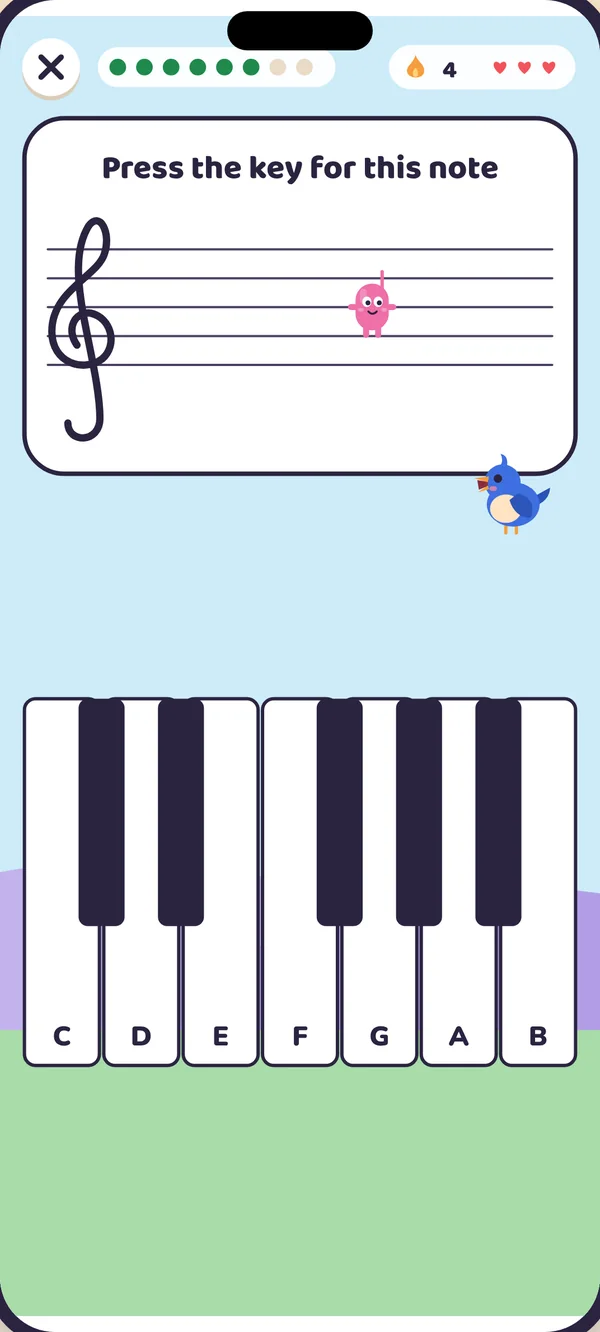
Every friend lives on Staff Street. Your child reads a note and picks the letter to wake a friend. Every answer has a picture, so a child who can't read words yet can still play alone.
A grumpy cloud called the Hush has swallowed every sound. Your child reads the notes, hears them and plays them on a real piano to wake seven colourful friends. Made to be used between weekly piano lessons.

0 of 7 colours are back
Tap a friend to wake it up.
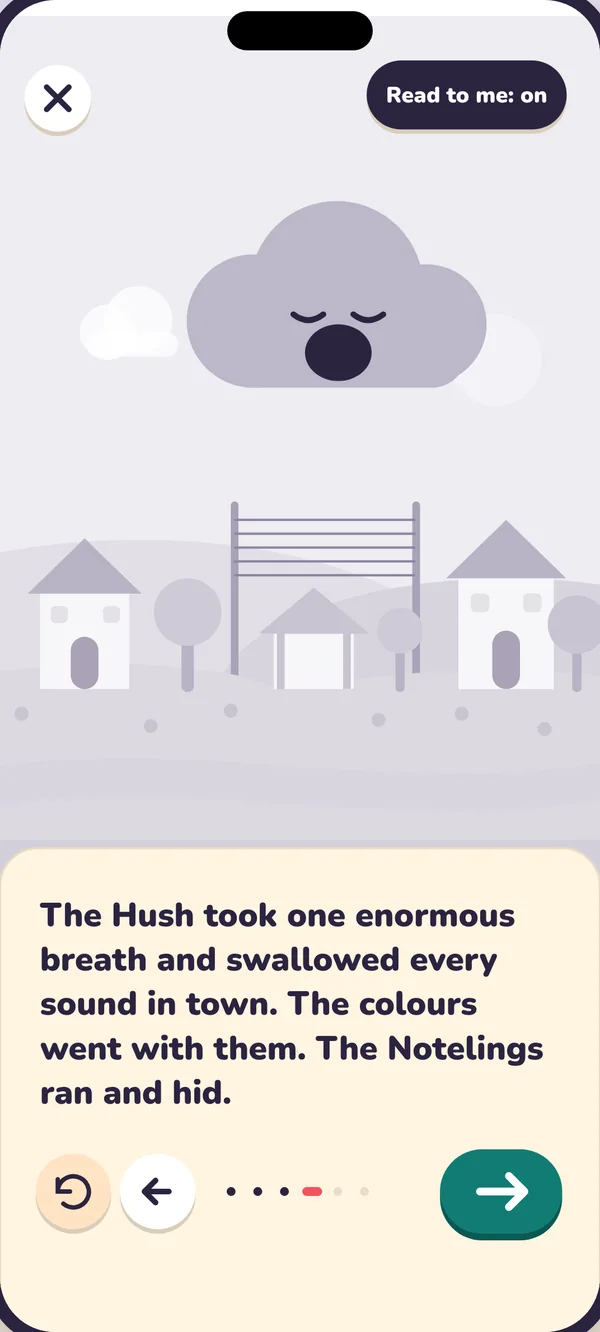
The Hush took one enormous breath and the colours went with it. The seven Notelings, C, D, E, F, G, A and B, ran off to hide.
Only a young Melody Keeper can bring them home. Your child is the Keeper, and every note they read, hear and play wakes a friend.

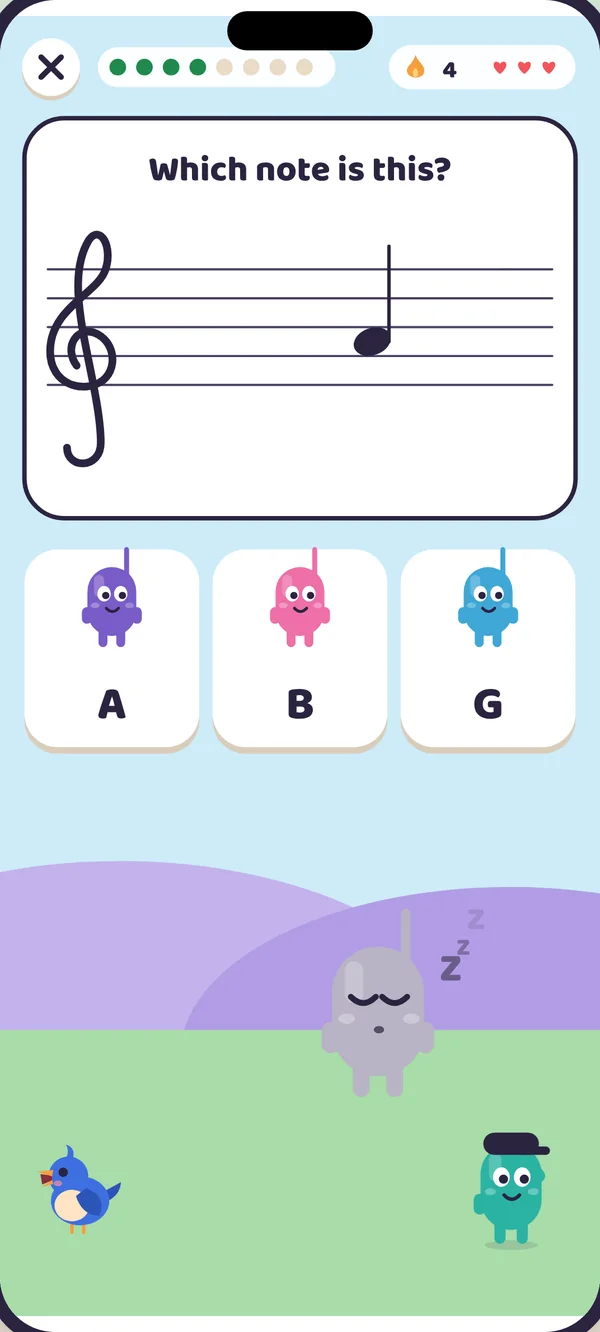
This is how a round feels in the app. Read the note, then pick the Noteling with the matching letter. Five right answers wake the town.
Tap the letter that matches.

You read five notes and the Hush is smiling again. The real app has fourteen chapters of this.
Tap a friend to hear their note, or press play for a little tune.
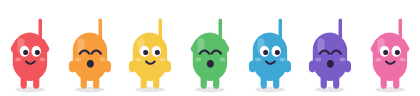
Short, friendly rounds that build real reading skills, one note at a time.
Every friend lives on Staff Street. Your child reads a note and picks the letter to wake a friend. Every answer has a picture, so a child who can't read words yet can still play alone.
The microphone listens and checks the note your child plays. The sound is analysed on the device and is never recorded. No piano nearby? An on-screen keyboard works too.
A little practice each day brings the town back to life. Today's spark gives six quick questions picked from the notes your child finds tricky, and a streak flame keeps the habit going.
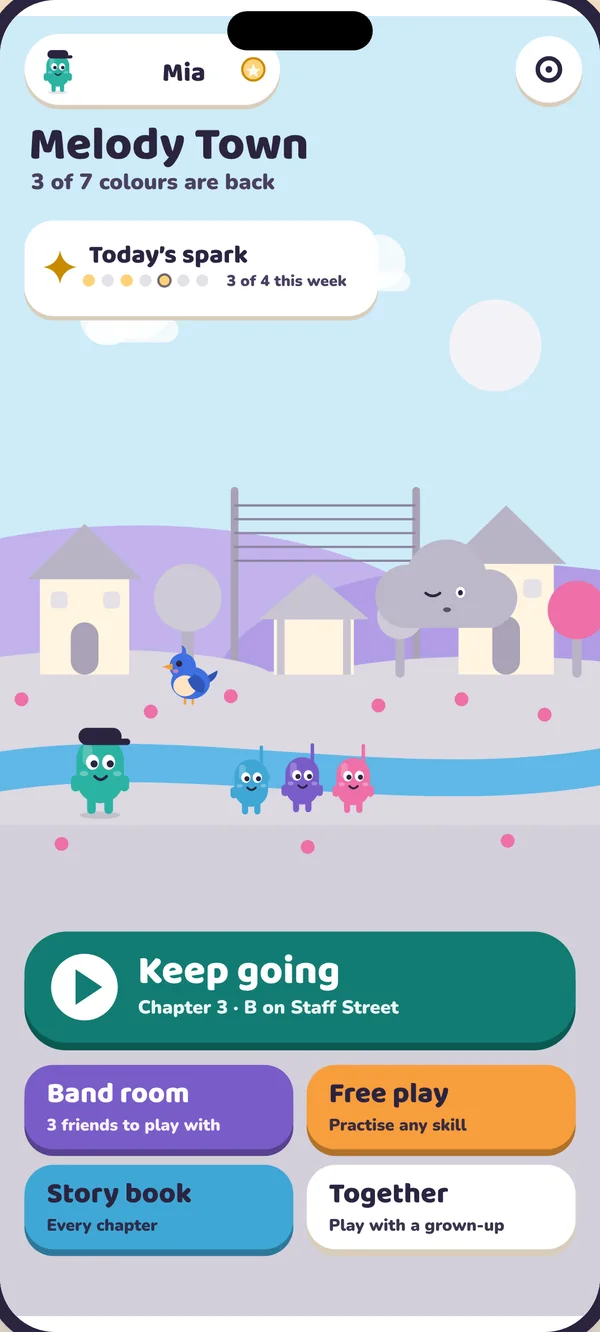
Fourteen chapters take a beginner from the first note to simple chords.
Everything is read aloud by a warm narrator, with the words lighting up as she goes. Three letters to choose from and plenty of hearts.
Longer practice, all seven letters and brisk feedback. Hush showdowns add a little risk, and nothing earned is ever lost.
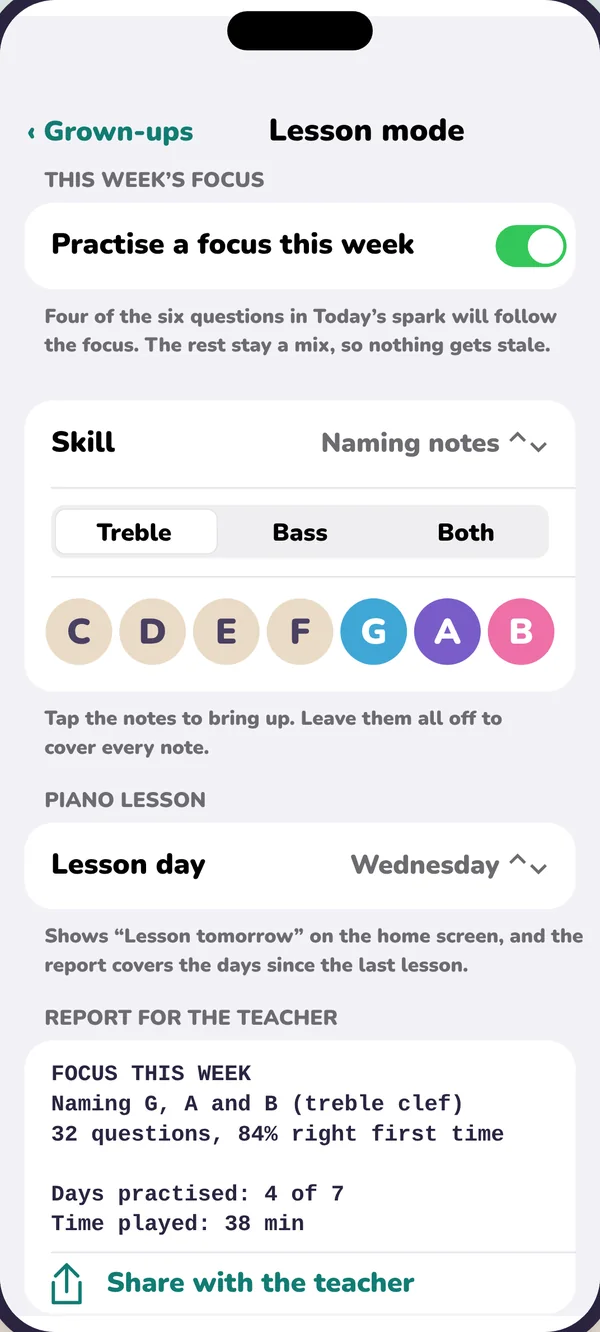
A teacher sets the notes. Melody Town makes practice at home feel like play.
Pick the notes from this week's lesson and Today's spark leans on them. Share a plain-text practice report with your child's teacher.
See how every note is going in both clefs, with a "try this together" idea after each chapter.
No accounts. Nothing about your child is collected. Progress stays on your device and the microphone never records. Read the privacy policy.
No ads. Plans, sharing, settings and every link that leaves the app sit behind a grown-ups check.
Save a backup file and restore it on a new device, or let your iCloud backup bring it back by itself.
Chapters 1 to 3 are free, with no sign-up. Premium and Family open every chapter, both clefs in free play and all levels.
Meet the first Notelings and see if it clicks. No time limit.
Every chapter, both clefs and all levels. Yearly starts with a 2-week free trial; monthly with 1 week.
Everything in Premium for up to six players on one device. Same free trials.
Prices are in US dollars and appear in your local currency in the App Store. Subscriptions renew automatically unless cancelled at least 24 hours before the end of the period, and are charged to your Apple Account. Free trials are for new subscribers. Manage or cancel any time in Settings, then your name, then Subscriptions. See the terms of use.
It helps, because playing on a real piano is where reading turns into music. An acoustic piano or a digital keyboard both work. If there isn't one nearby, children can tap the on-screen keys instead.
Children aged 5 to 10. Storybook mode (5 to 6) reads everything aloud and offers three letters to choose from. Adventure mode (7 to 10) has longer practice and all seven letters.
No. It is built to be used between weekly lessons, so practice at home keeps up with what the teacher sets. Lesson mode lets you choose the week's notes and share a report back.
Nothing. There are no accounts, no analytics and no third-party software inside the app. Names, ages and progress stay on your device. The microphone is used only in piano rounds, is analysed on the device and is never recorded. The privacy policy has the details.
No. Melody Town plays without a connection. You only need one to start or restore a subscription.
Not if you restore from an iCloud or computer backup, because progress comes back with it. You can also save a backup file in Grown-ups, then Backup and restore, and load it on the new device. Purchases are restored separately under Plans.
Open Settings, tap your name, then Subscriptions, then Melody Town. You can also cancel any time before a free trial ends to avoid being charged.
iPhone and iPad with iOS 17 or later.
Something else? Help and support has more answers.
Seven friends are waiting to be woken. Start free today.